
Protecting customer numbers: blacklist, substitution and view log
Three tools that protect your customer base and your reps' time: a blacklist for spam, substituting the carrier code in numbers, and a log of who viewed numbers.
Your customer base is a sales team's most valuable asset, and spam calls are the easiest way to waste a rep's day. Settings has three separate tools for both problems. Who sees full numbers in the first place is a role permission — see Roles and permissions.
#Blacklist
Settings → Blacklist. Incoming calls from these numbers are dropped immediately: reps' phones don't ring, and the calls never reach the call log or leads. The auto-dialer doesn't dial them either.
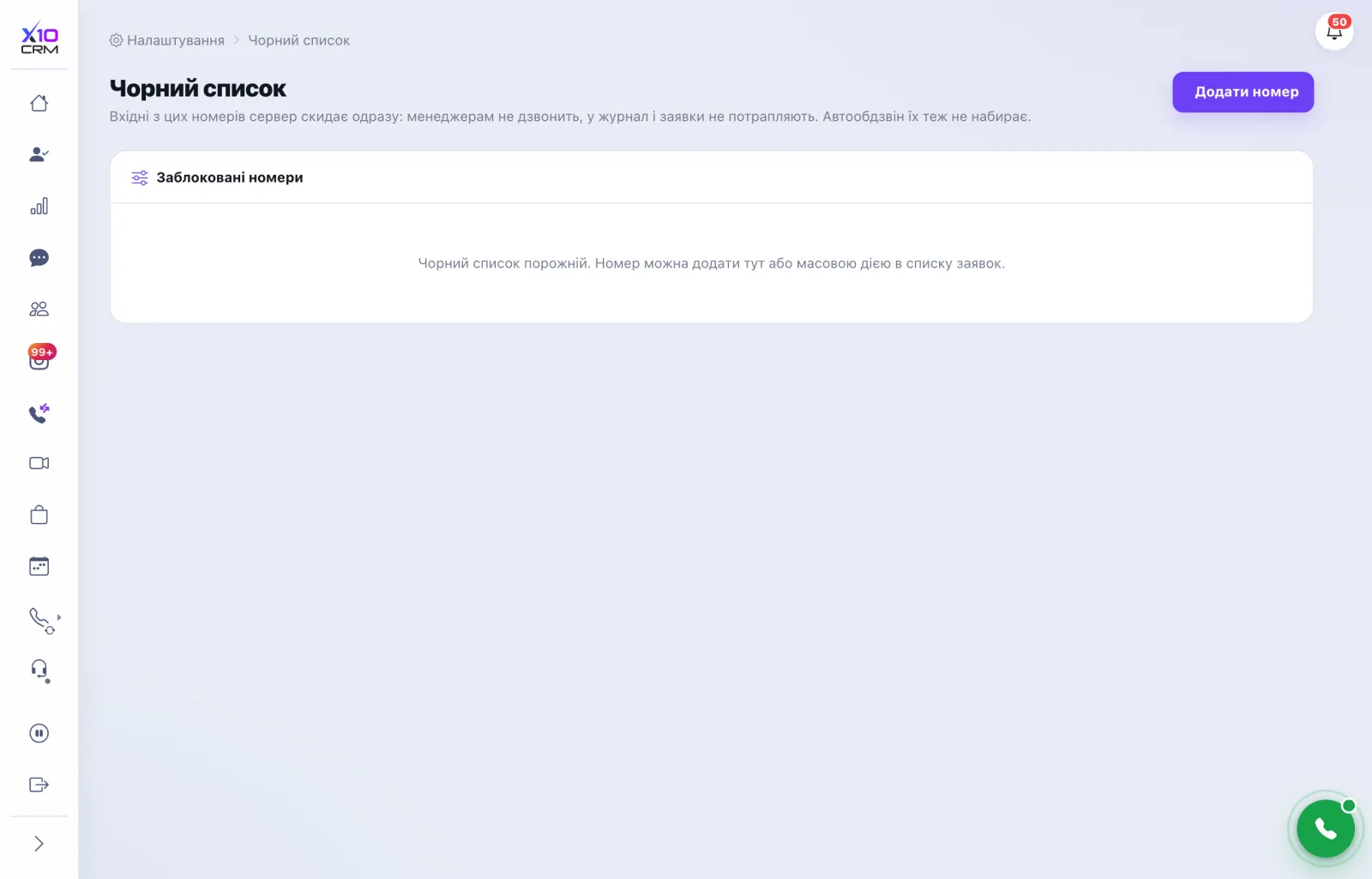
- Add a number here with Add number, or straight from the lead list as a bulk action on selected leads — see Bulk actions.
- Use it for spam, robocallers and people who call and hang up.
- Remove a number with one click if it was added by mistake.
#Number substitution
Settings → Number substitution. When a lead enters one of the chosen statuses, the CRM replaces the carrier code in the number with the one you set. With code 0000, for example, 380972233111 becomes 380000033111. When the lead leaves all such statuses, the number is restored.
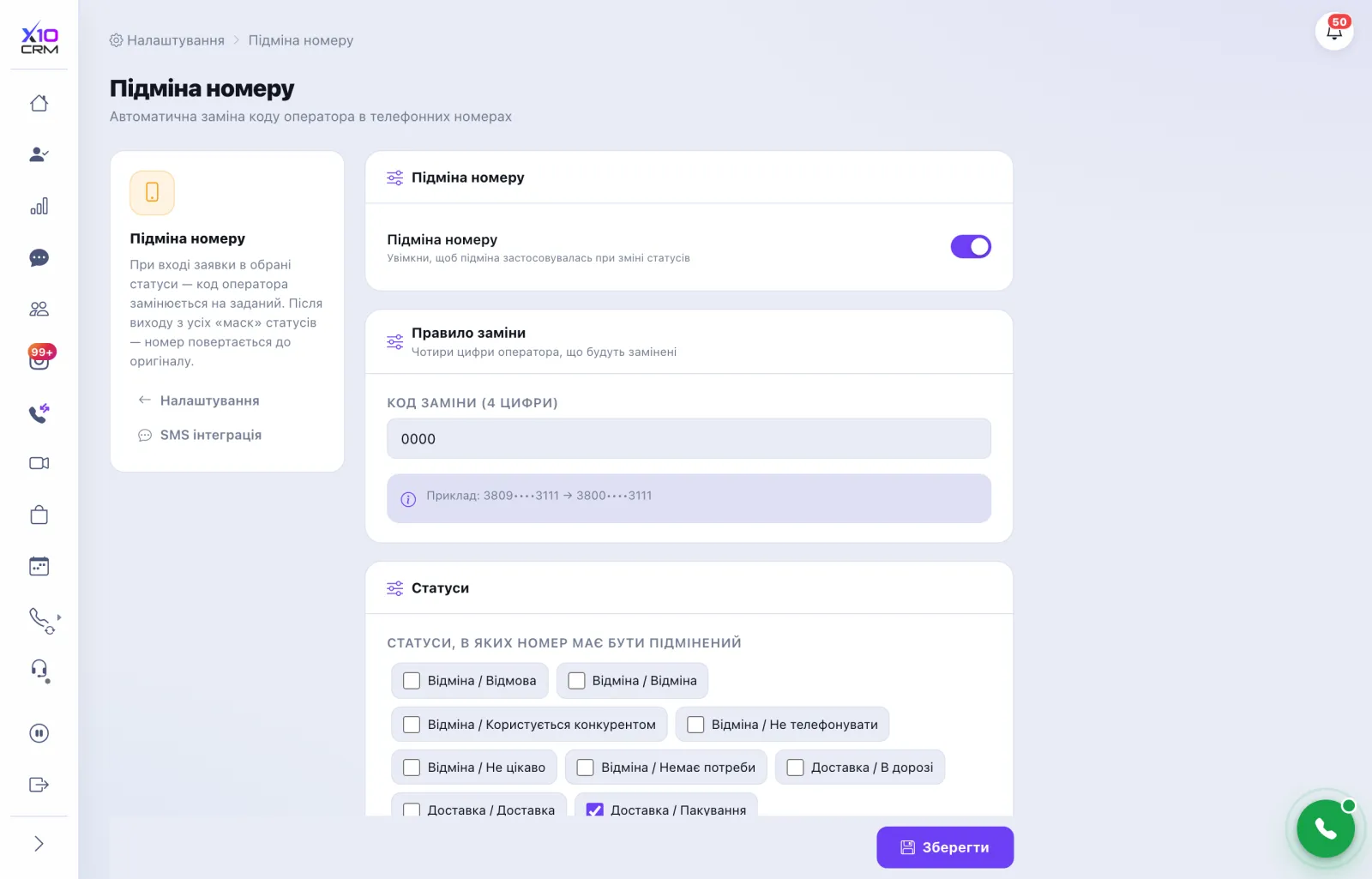
- Switch on Number substitution.
- Set the replacement code — four digits that take the carrier code's place.
- Tick the statuses where the number should be substituted — usually completed orders and rejections that reps have no further business with.
- Save.
#Number views
Settings → Number views is a log of who viewed customer numbers and who tried to see a hidden number without permission — by clicking the mask or copying it. People without permission never receive the number itself; the log records only the attempts.
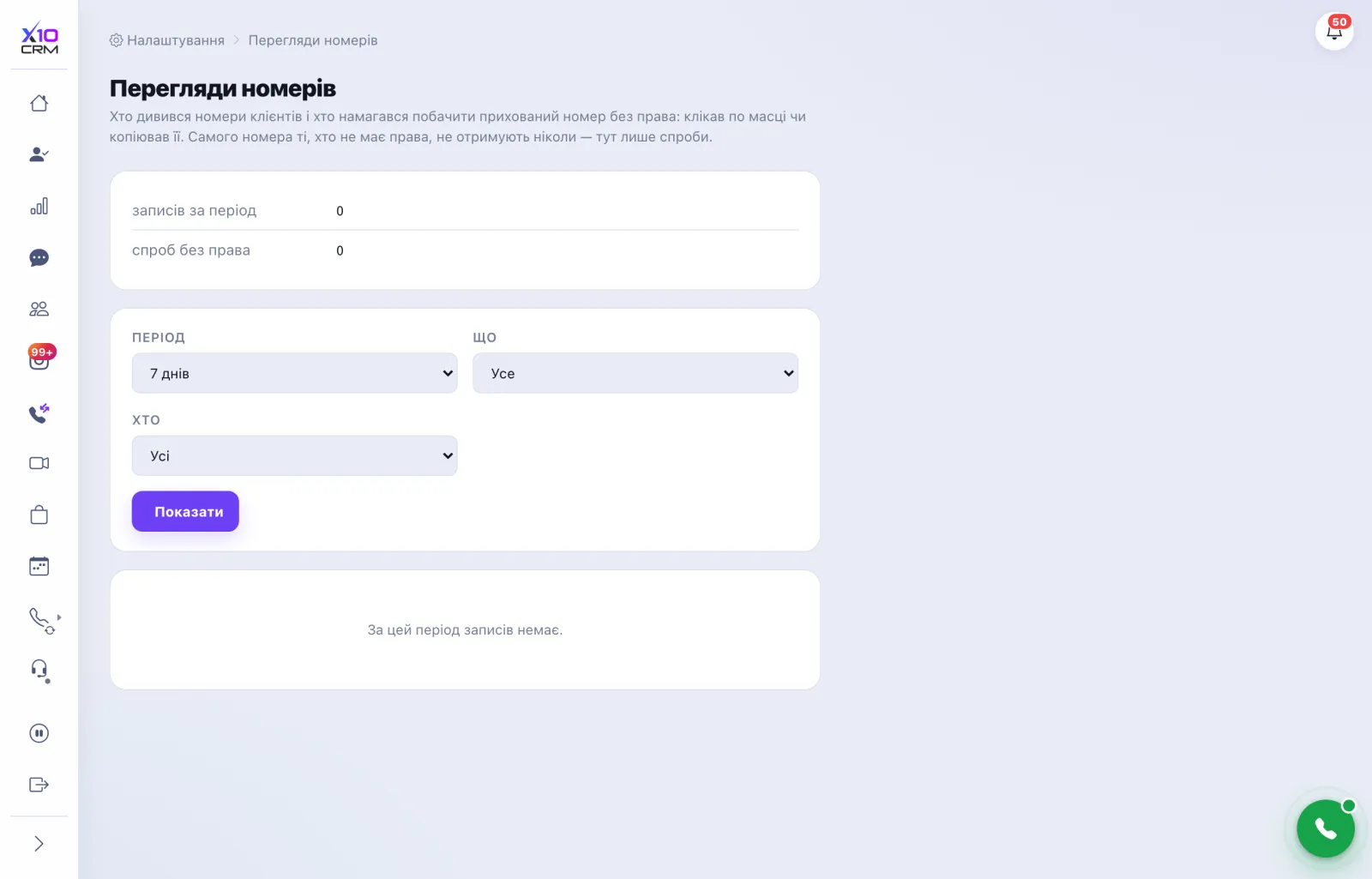
- Period: a day, 7, 30 or 90 days.
- What: everything, only attempts without permission, or only number views.
- Who: all employees or one in particular.